How it works
Recording with VidFlock is simple
VidFlock guides participants through the entire recording process, from figuring out what to say to reviewing the final take. Each response takes just a few steps, with prompts and guidance built in along the way.
Step 1
Get ready to answer
Each question includes a time limit so you know how long your response should be, along with example answers for inspiration.
Need a little help remembering what you want to say? Use the optional teleprompter to type notes before you record. Your notes will appear on screen while you’re speaking.

Step 2
Record your response
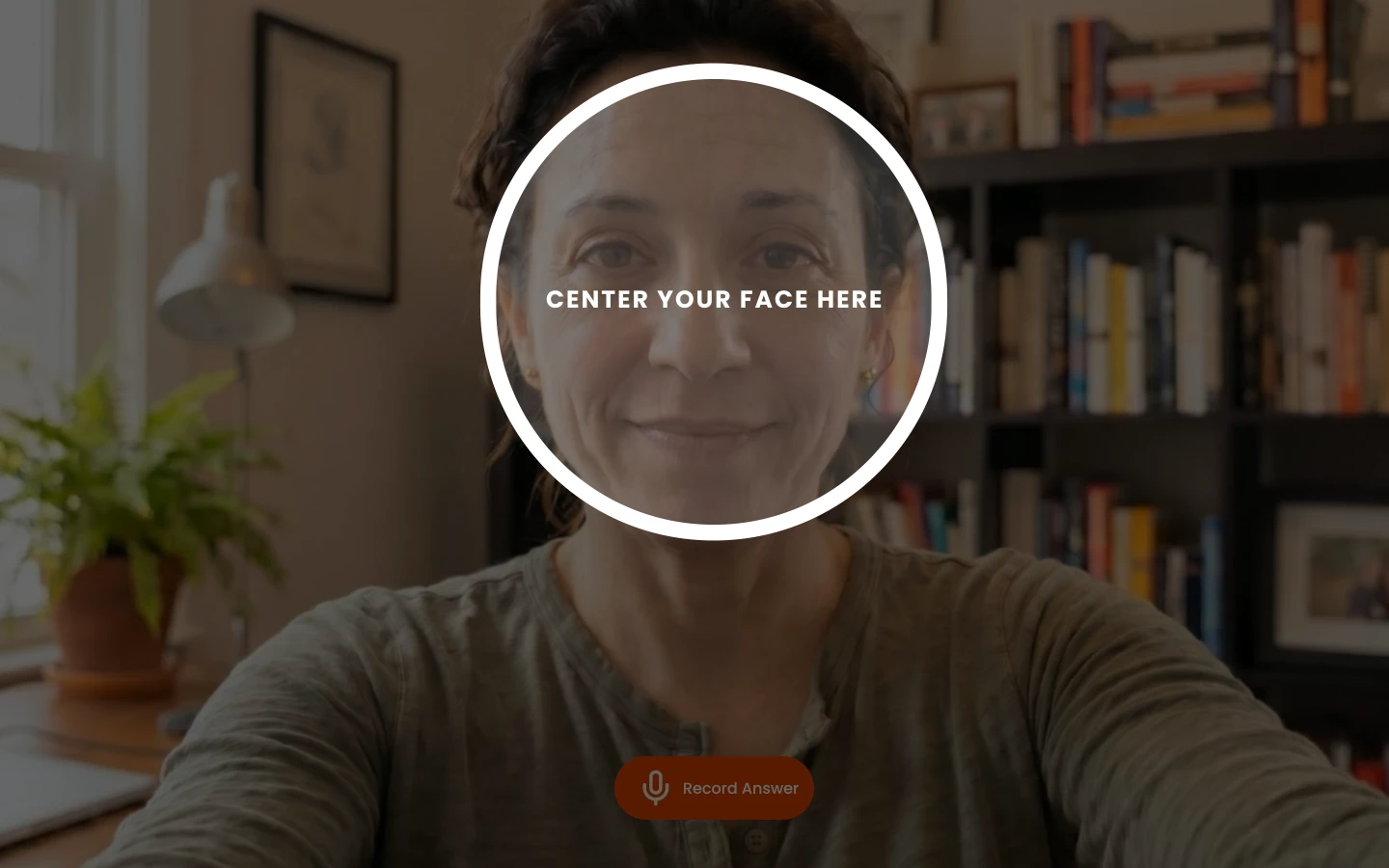
Press Record Answer and VidFlock will help you get set up. First, center your face on screen.
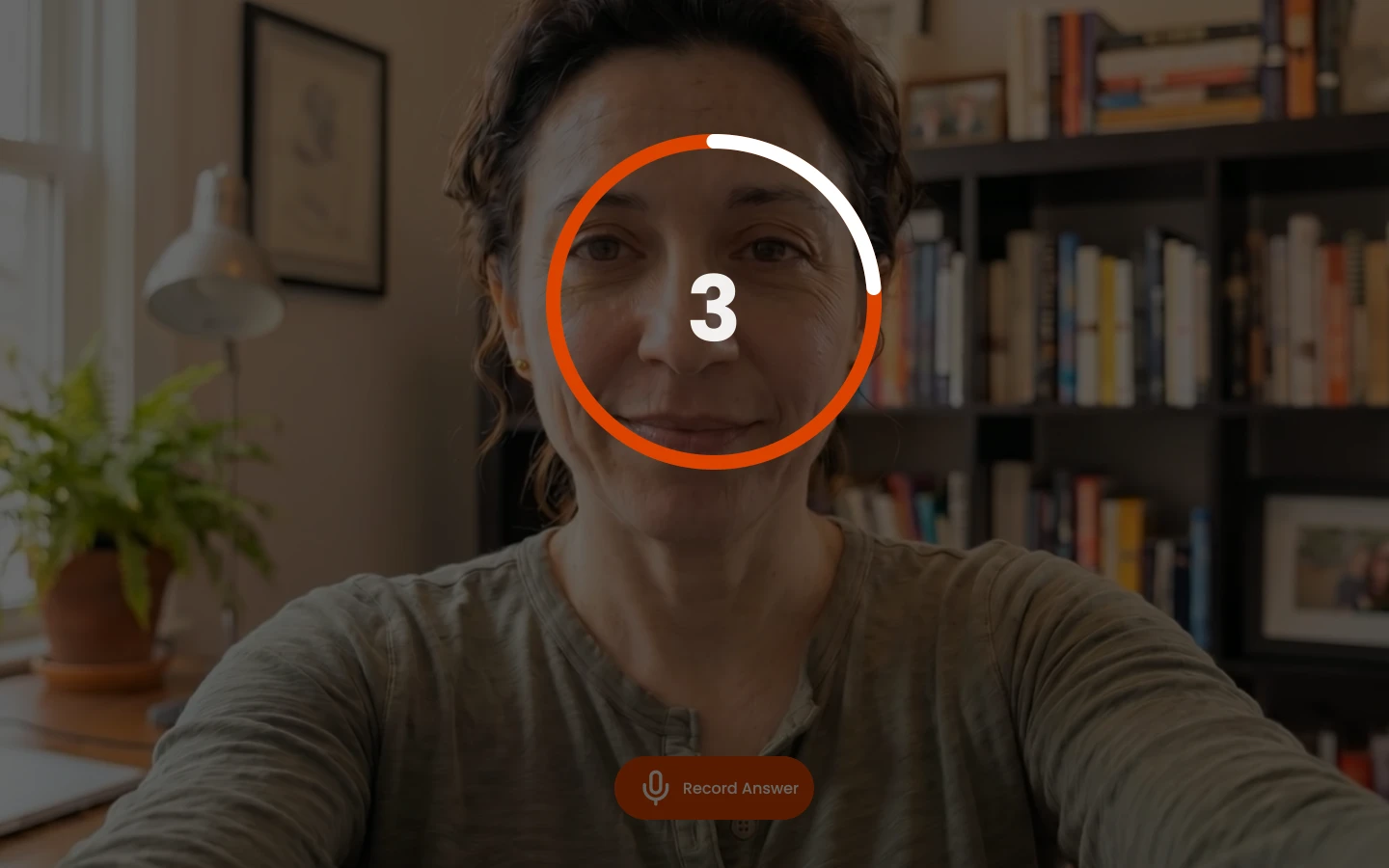
Then, after a 3-second countdown, recording begins.
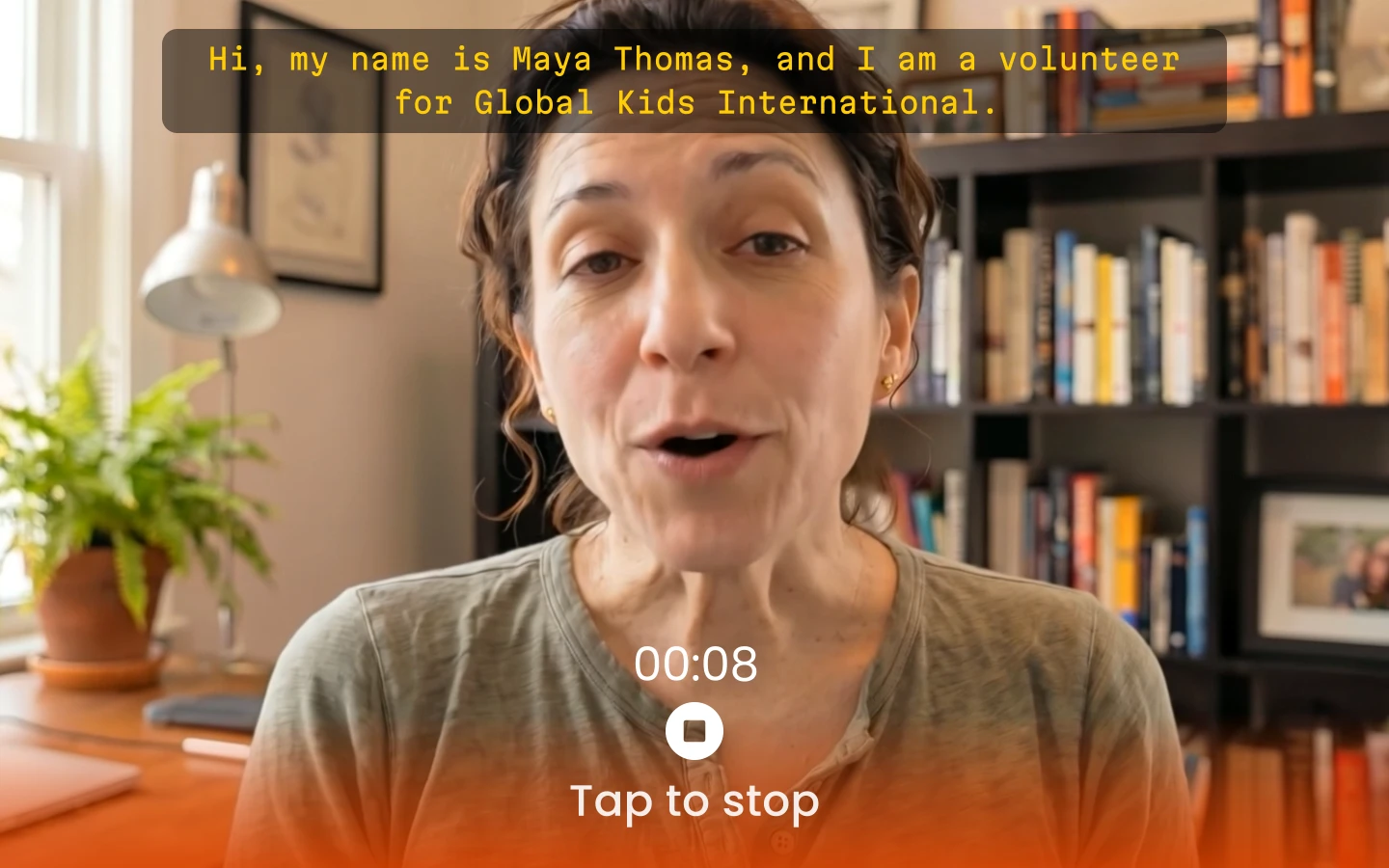
While you record, you’ll see your teleprompter notes, if you added any, along with a countdown timer showing how much time you have left. You can press Stop if you finish early.
Step 3
Review and continue
When you’re finished, you can watch your response back before submitting it.
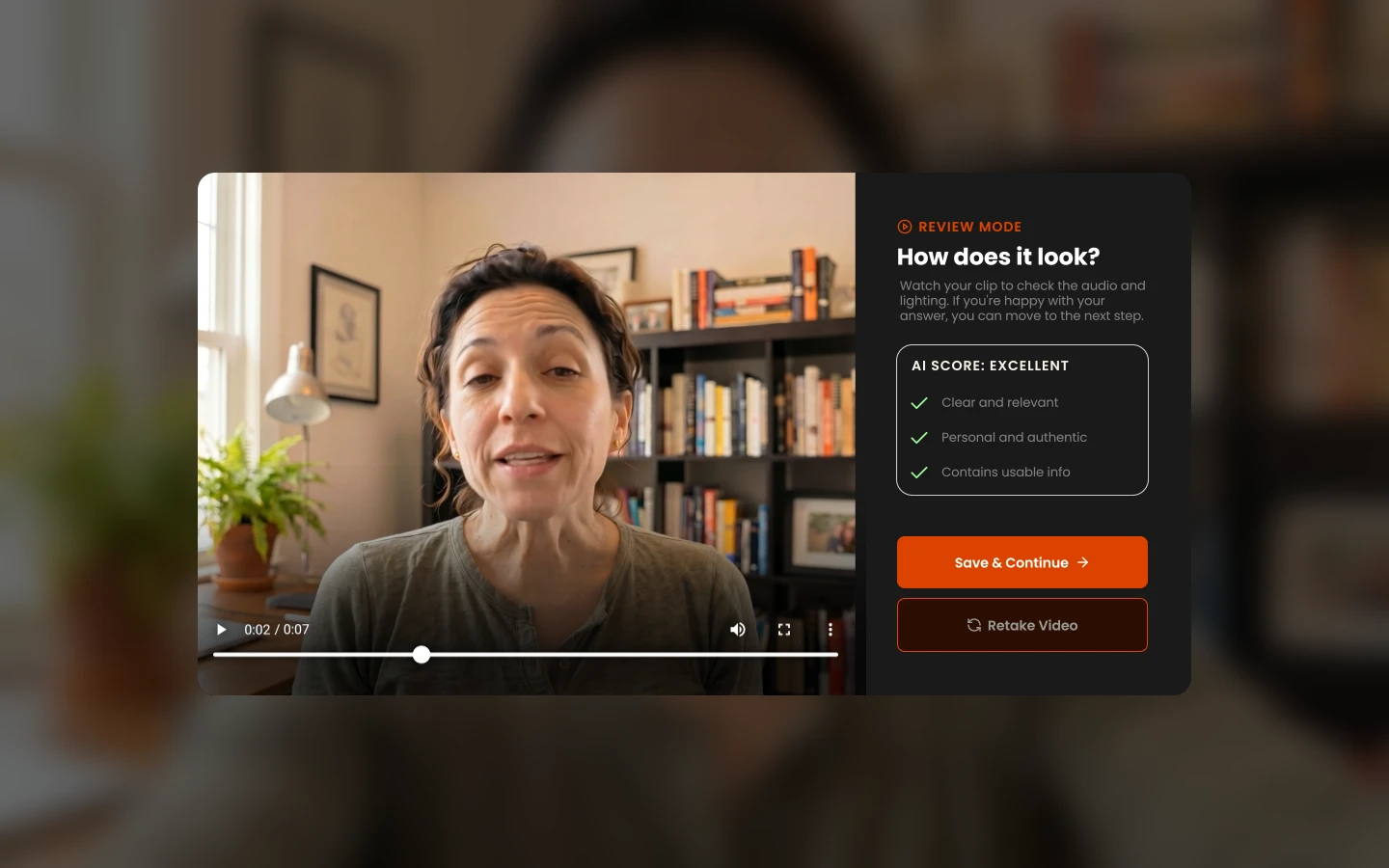
VidFlock will also evaluate your answer and let you know whether it’s strong and usable or whether you may want to try again.
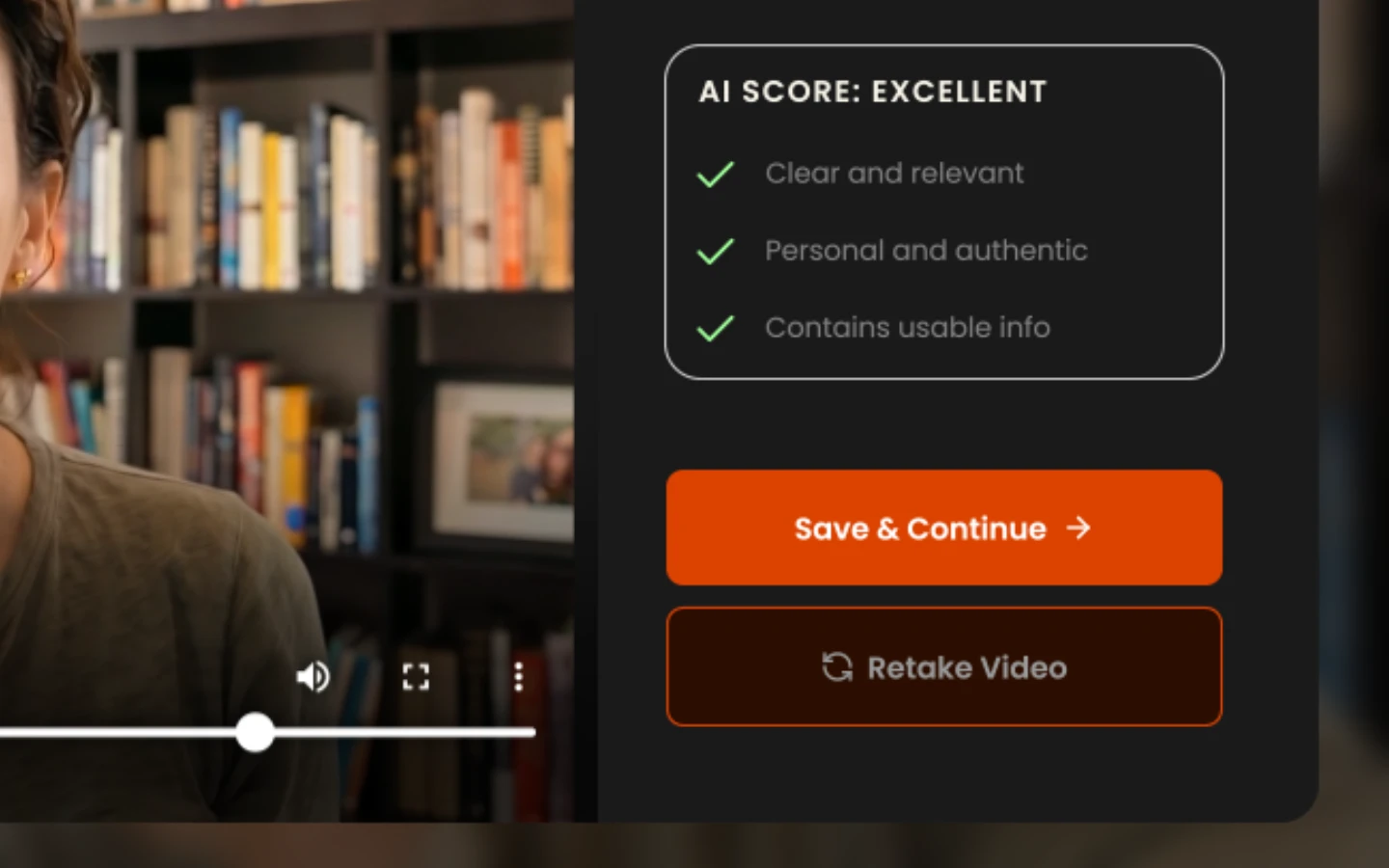
When you’re happy with it, choose Save & Continue. Then simply repeat the process for each remaining question. Once you’ve answered them all, you’re done!